
How to Set Up a Heartbeat (CRON)
Setting up a heartbeat is the first step in ensuring that your internal or scheduled tasks run on time. You define the expected frequency and grace period, and Pulsetic provides a unique URL that your script must "ping" upon successful completion.
Step 1: Access the Heartbeat Setup
- Log in to your Pulsetic account.
- On the left-hand menu, click the Heartbeats link.
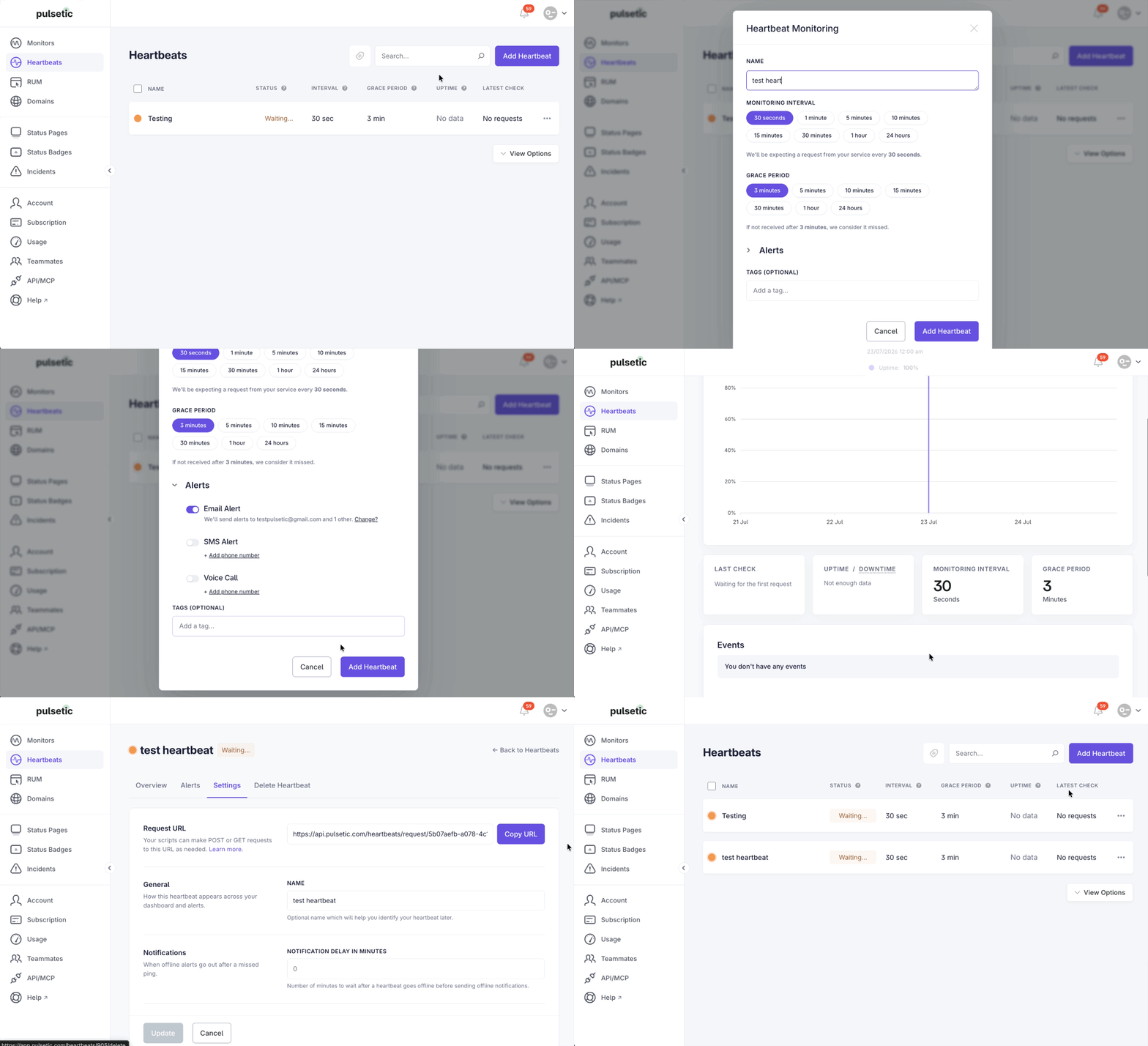
- Click the Add Heartbeat button, located in the upper right corner. A pop-up window titled Heartbeat Monitoring will appear.
Step 2: Configure Monitoring Parameters
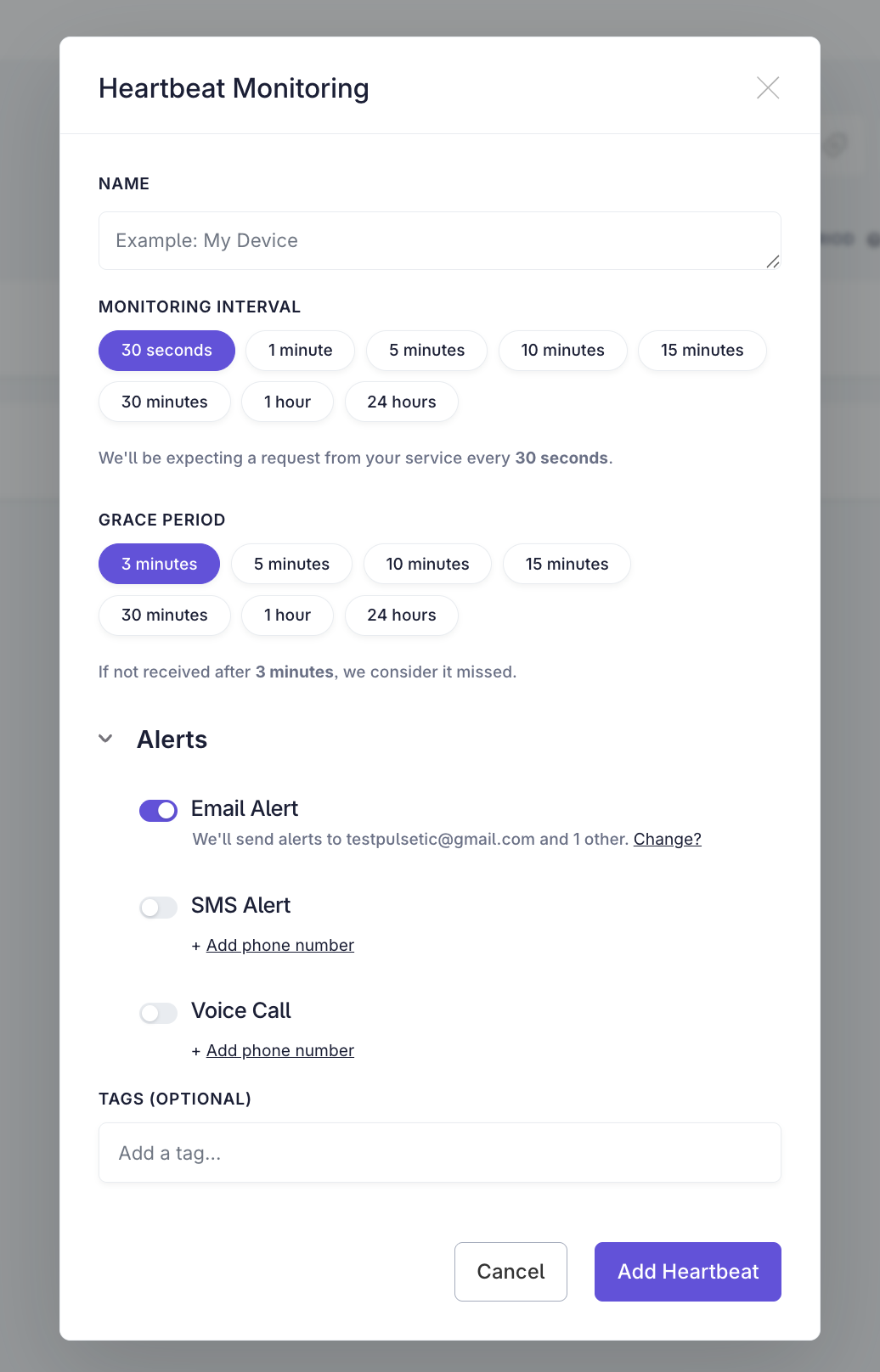
- Name:
- Enter a descriptive name for your service or script. (Required)
- Monitoring Interval:
- Set the expected frequency of the heartbeat signal. (Required)
- Grace Period:
- Set the additional time allowed before the heartbeat is officially marked as missed. (Required)
- Alerts (Optional):
- Select immediate notification channels for failure: SMS, Email Alert, and Voice Call. For more information on how to set your alert options, refer to this link.
- Tag (Optional):
- Add tags to help organize and search for your heartbeats.
Step 3: Integrate the Heartbeat URL
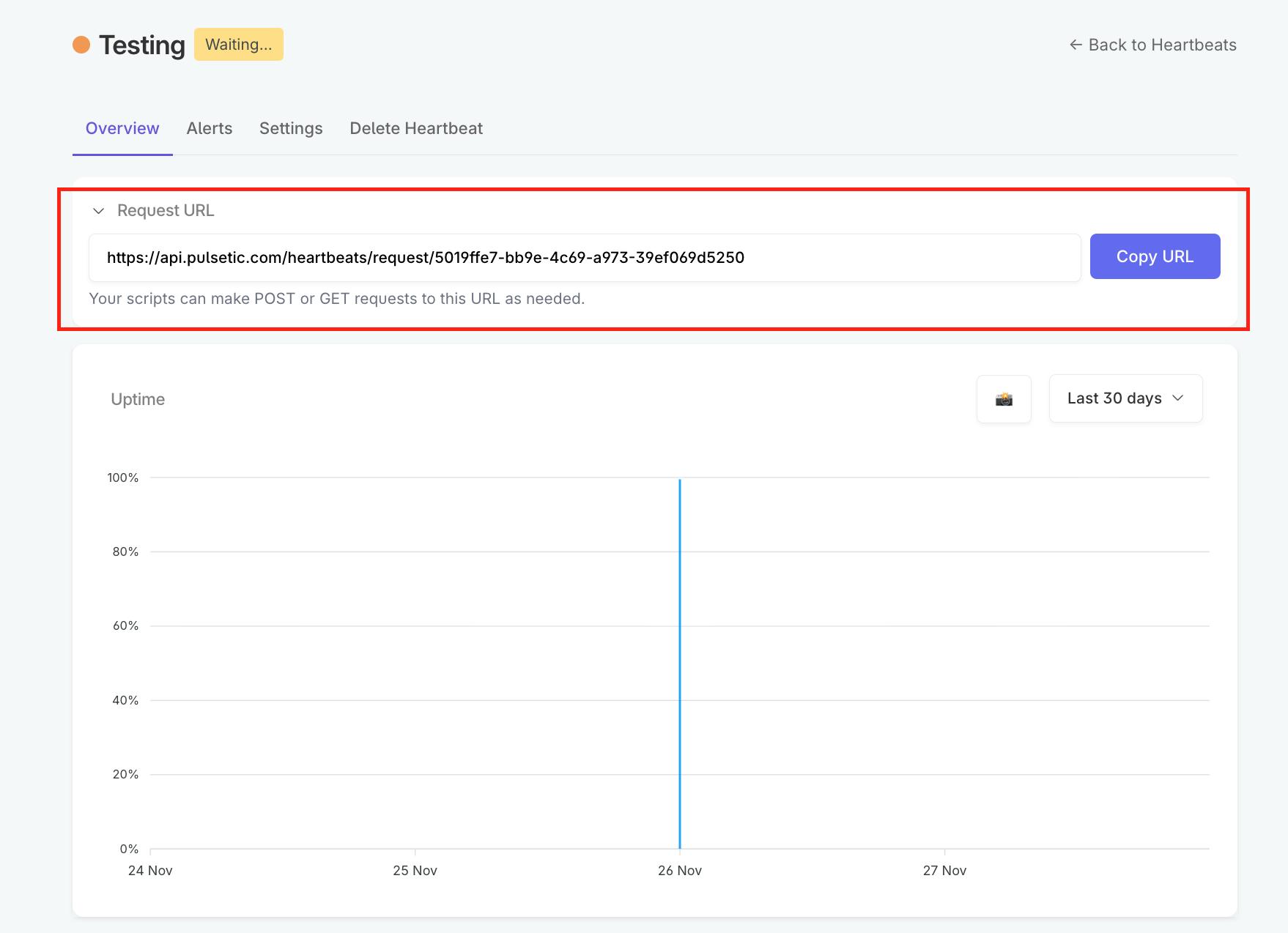
- After creation, the system will provide a unique Request URL.
- Integrate this URL into your script's code. Your script must send an HTTP request (POST or GET) to this URL every time it successfully executes.
To ensure the heartbeat ping is sent reliably without slowing down or blocking your main process, use a tool like cURL and specify both a timeout and a retry policy.
A. Specify HTTP Request Timeout
The timeout prevents a stuck request from blocking your job. Since the ping is very fast, the timeout should be short.
- Use the
-mor--max-timeparameter.
Example (5-second timeout):
curl -m 5 https://app.pulsetic.com/api/v1/heartbeat/your-unique-id
B. Use Retries
The retry policy prevents false alarms caused by momentary network instability.
- Use the
--retryparameter.
Example (Retry up to 3 times):
curl --retry 3 https://app.pulsetic.com/api/v1/heartbeat/your-unique-id
C. Combined Best Practice
For the most robust integration, combine both settings in your script:
# Send Heartbeat: 5-second timeout, retry up to 3 times
curl -m 5 --retry 3 https://app.pulsetic.com/api/v1/heartbeat/your-unique-id