
How to Set Up Zapier Integration
If you want to connect the monitor update to your Zapier account, you can easily do so by following a few simple steps.
Setup Steps
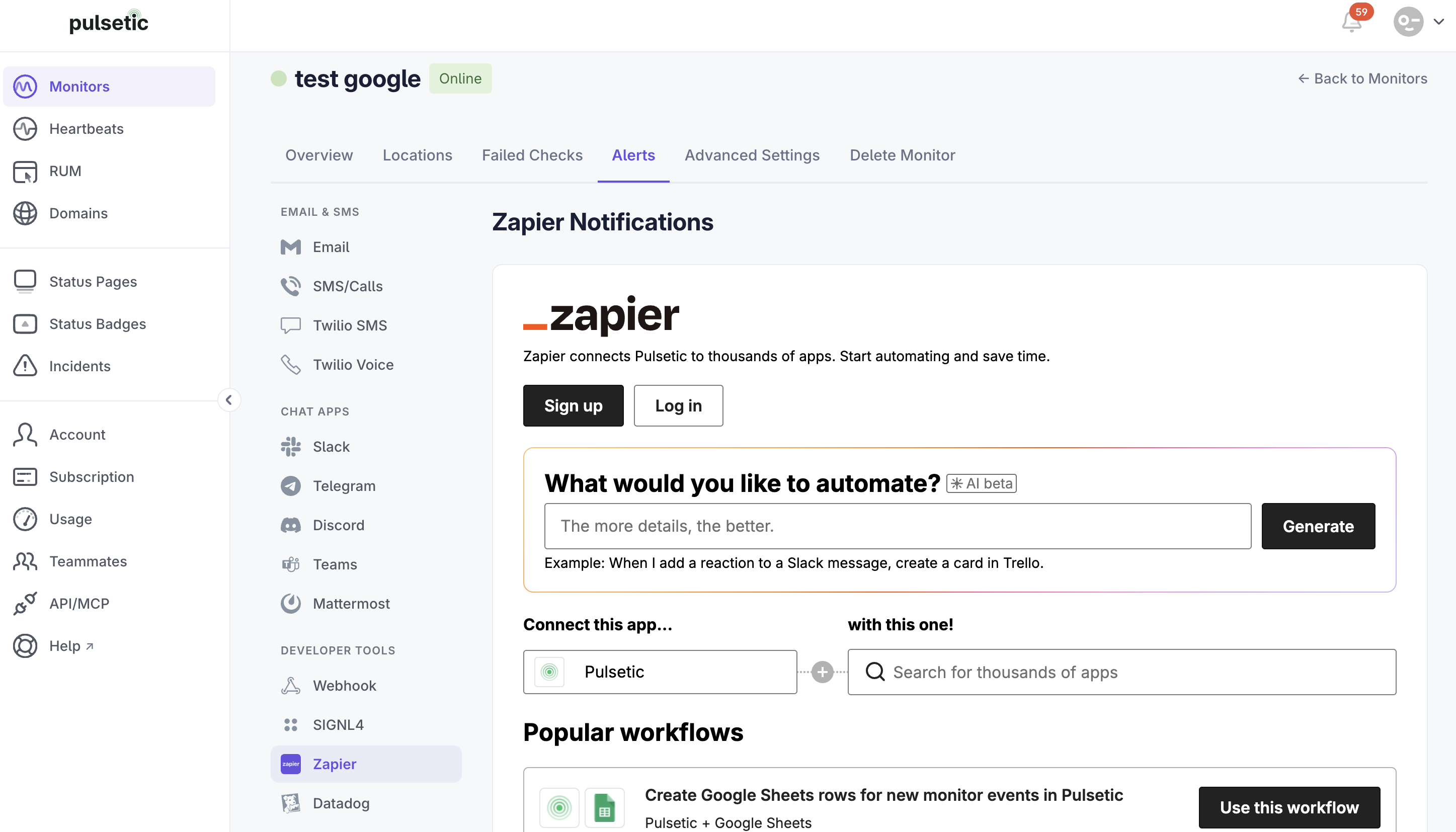
Option 1: Sign Up or Log In with Zapier
- On the Alerts tab, select Zapier.
- Connect with your Zapier account.
- Configure your desired Zapier workflows (Zaps) or choose from popular pre-built workflows. You will be redirected to Zapier to finalize the configuration of your Zap.
Option 2: Use the Classic Zapier Auth Method
If you encounter issues like Error 400: redirect_uri_mismatch , you can use our Classic Zapier Auth option instead. This alternative method helps avoid common authentication errors.
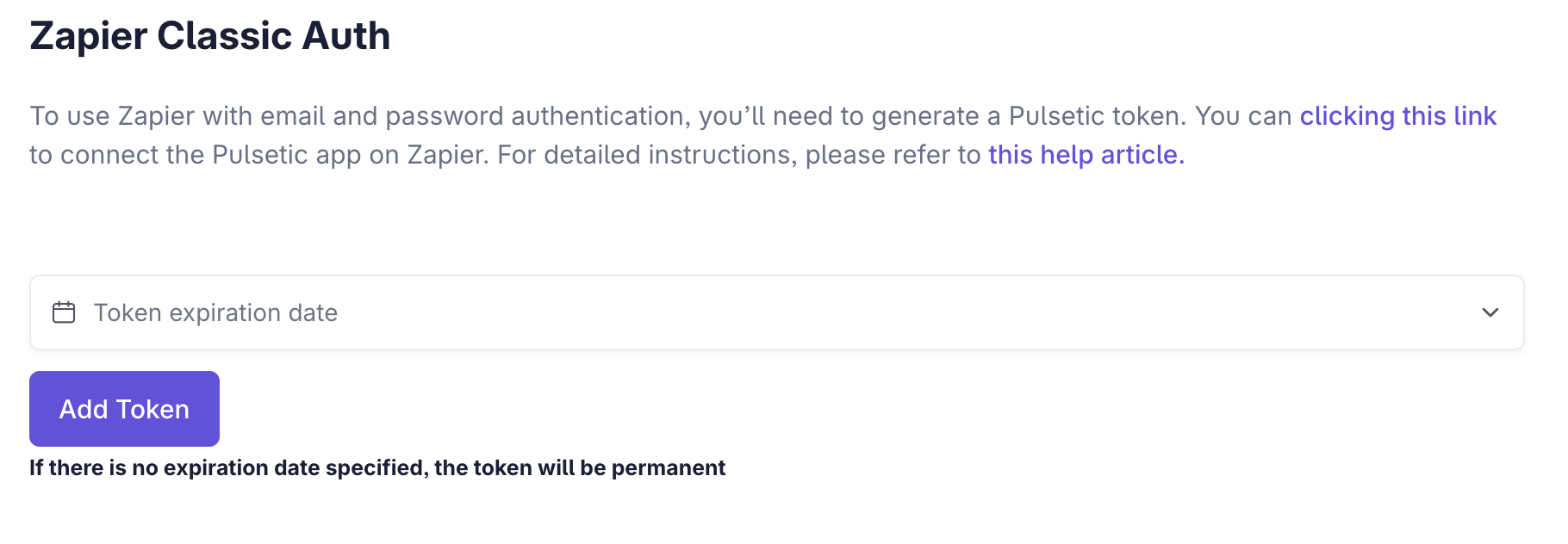
Please read this article for more details: When Should You Use the Zapier Classic Auth?
Configuring Monitor Event
To receive notifications for a specific monitor, please enter its Monitor ID. If left blank, you will receive notifications for all new monitor events.
