
Telegram Notifications
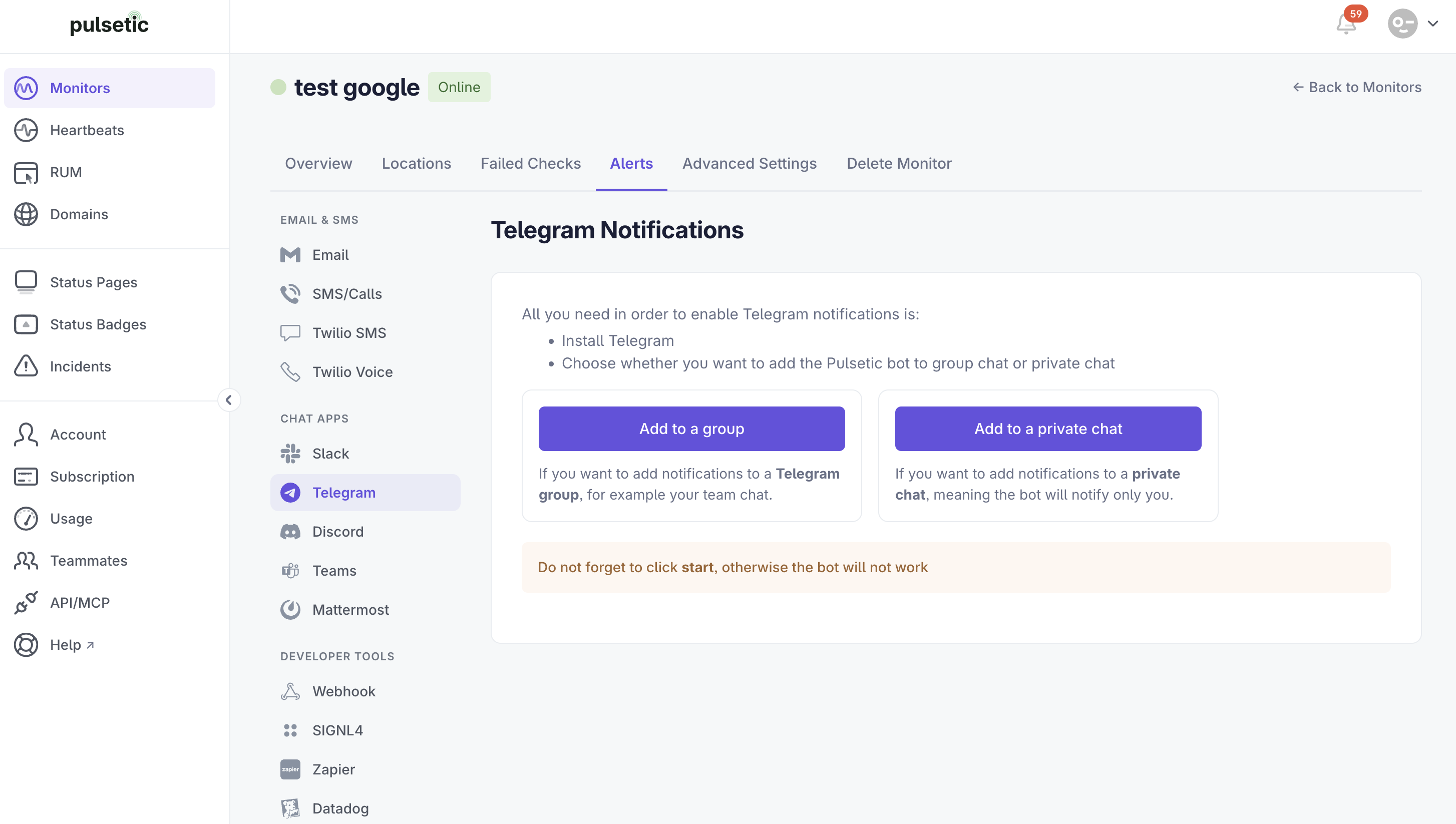
To get Telegram alerts, you'll need the Telegram app. Then, choose whether you want Pulsetic notifications in a group chat or a private chat with the Pulsetic bot.
Setup Steps
- On the Alerts tab, select Telegram.
-
Select where you want to add the Pulsetic bot (group or private chat).
-
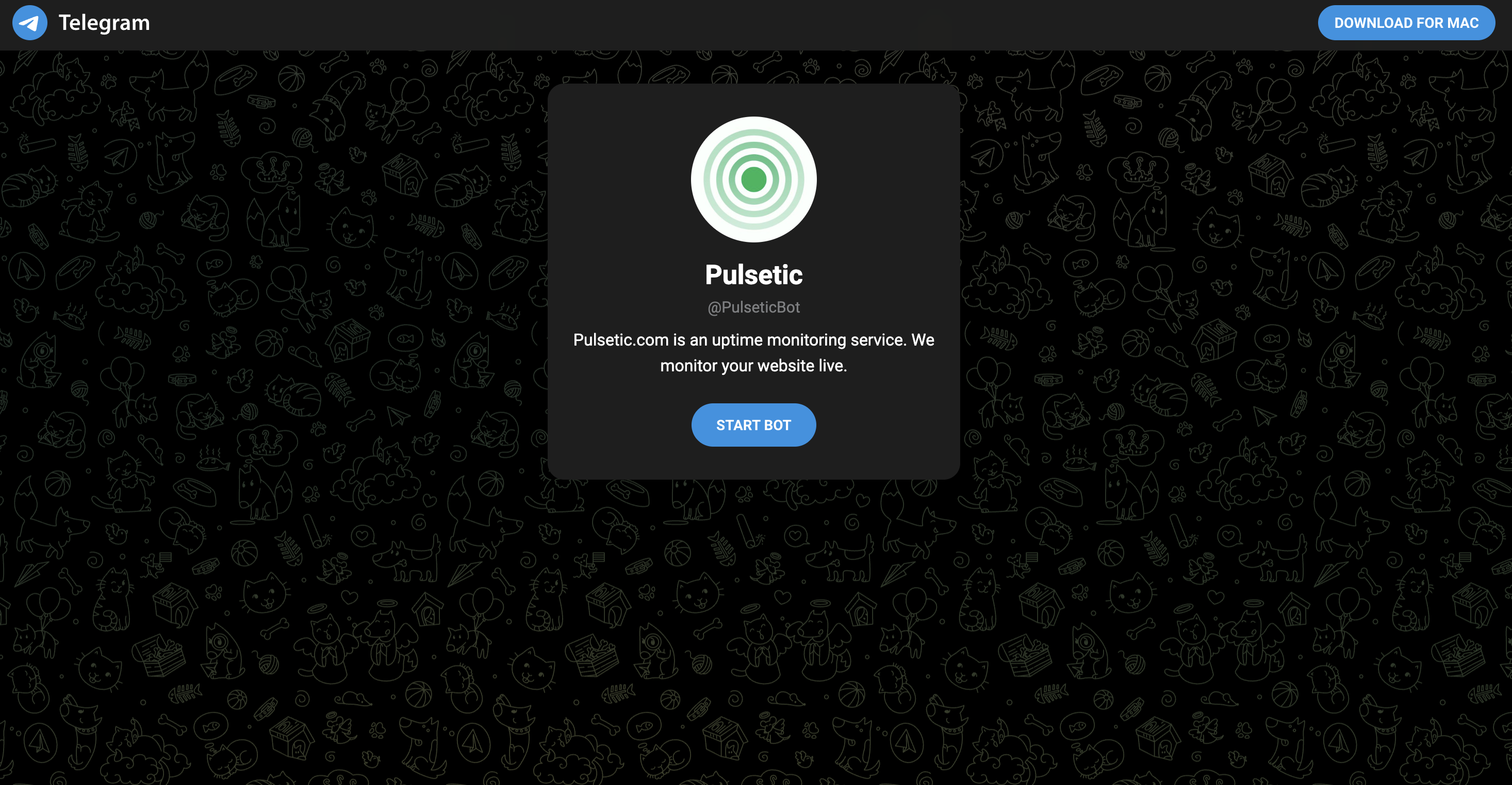
You will be redirected to the Telegram page.
Note:
Follow the on-screen instructions to set up Telegram notifications.